A composer that writes into the document
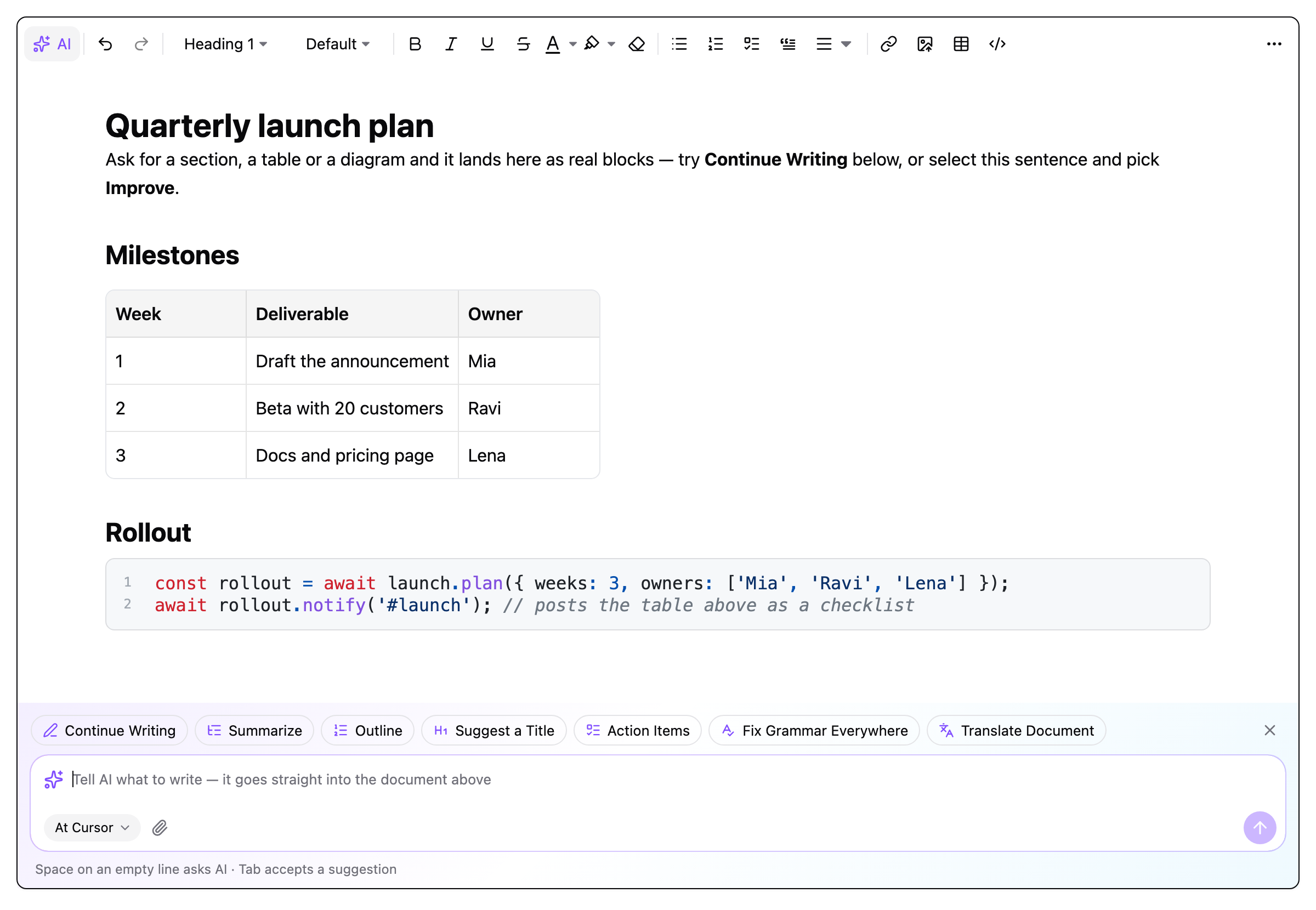
Type a request under the editor and watch it stream into the page as headings, lists, tables and code. Keep, undo, retry, or refine the same span. One undo step.
An AI-first editor SDK on Tiptap. Prose, tables, code, task lists, formulas and diagrams are produced by the model and land in the document as real, editable blocks — streaming, undoable, in 16 languages. React and Vue on one framework-free core.

Every answer is Markdown, parsed through the editor's own schema. Nothing is pasted; a table is a table.
Type in the composer under the editor, click a chip (continue, summarize, outline, title, action items, grammar, translate), select text and pick Improve, or press Space on an empty line.
The model streams into a tracked span in the page. Headings, lists, tables, code and task lists take shape as real nodes while the text is still arriving.
The whole answer is one undo step. Keep it, put the original back, retry, or type a follow-up and the same span is rewritten with the conversation so far.
Extensions, the AI engine and every block live in a framework-free core. ai-sparkwrite-editor is the React import, ai-sparkwrite-editor/vue the Vue one — same features, same stylesheet.
import { RichTextKit, RichTextKitToolbar, RichTextKitMenus } from 'ai-sparkwrite-editor';

useEditor({ extensions: [RichTextKit.configure({ ai: { endpoint: '/api/ai' } })] });

<RichTextProvider editor={editor}>
  <RichTextKitToolbar />
  <EditorContent editor={editor} />
  <RichTextKitMenus />
</RichTextProvider>import { RichTextKit, RichTextKitToolbar, RichTextKitMenus } from 'ai-sparkwrite-editor/vue';
useEditor({ extensions: [RichTextKit.configure({ ai: { endpoint: '/api/ai' } })] });
<RichTextProvider :editor="editor">
<RichTextKitToolbar />
<EditorContent :editor="editor" />
<RichTextKitMenus />
</RichTextProvider>